Accurate prayer times
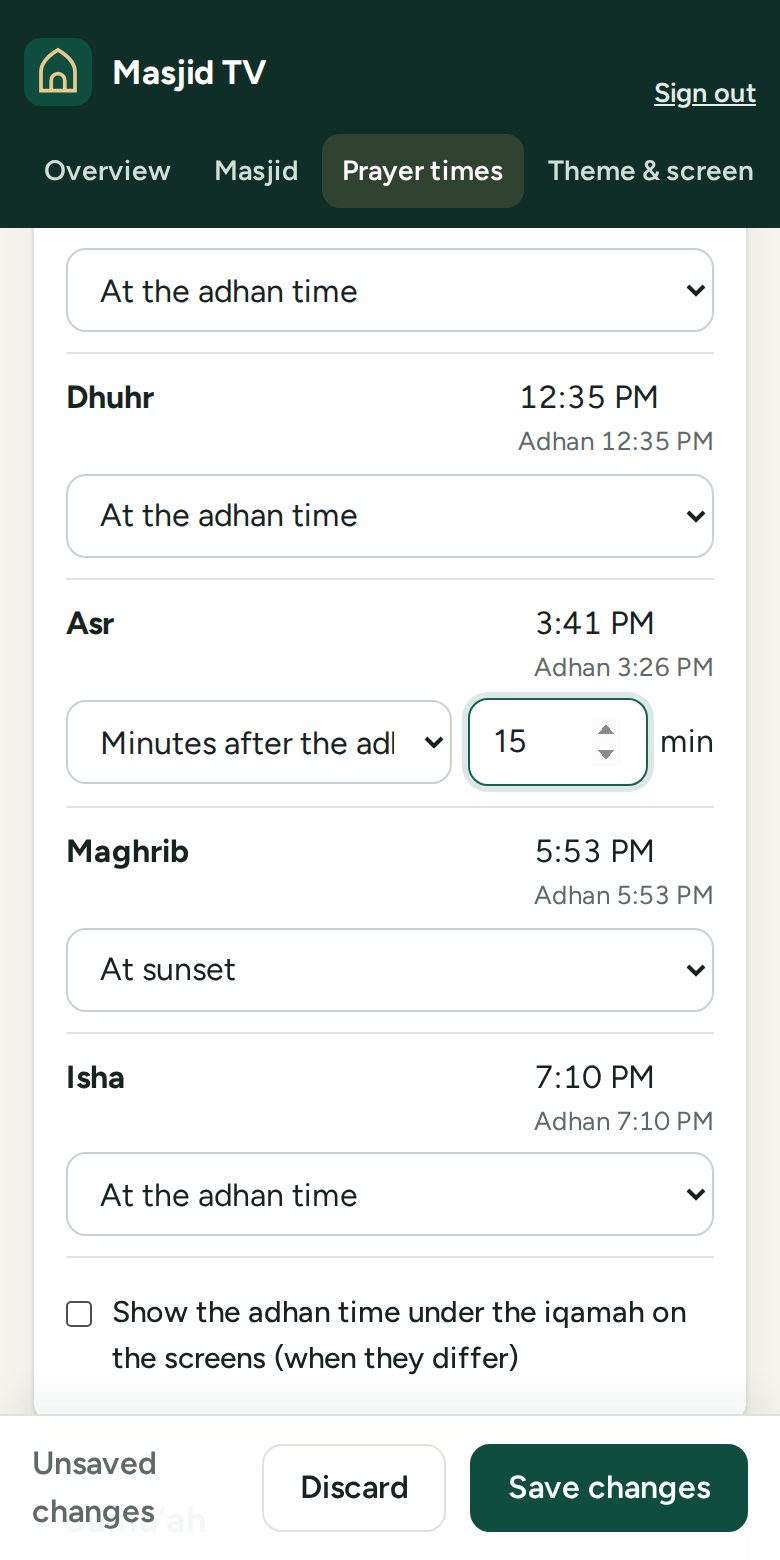
Calculated for your exact location with your method and Asr school. Set each iqamah as a fixed time or minutes after the adhan, plus Jumu‘ah times.
Free for every masjid, for everyone
Iqamah countdowns, the adhan, announcements, donation QR codes and your logo, on the TVs you already have. Change a time on your phone and every screen follows in seconds.
Free, with no ads. Works on Fire TV · Google TV · Android TV · and any TV with a web browser
Features
Calculated for your exact location with your method and Asr school. Set each iqamah as a fixed time or minutes after the adhan, plus Jumu‘ah times.
Your own adhan recording or a built-in tone, per prayer. Iqamah and announcement chimes, quiet hours, and timing to the second.
A ticker along the bottom or a full-screen card for Eid times, classes and fundraisers, with optional start and end dates.
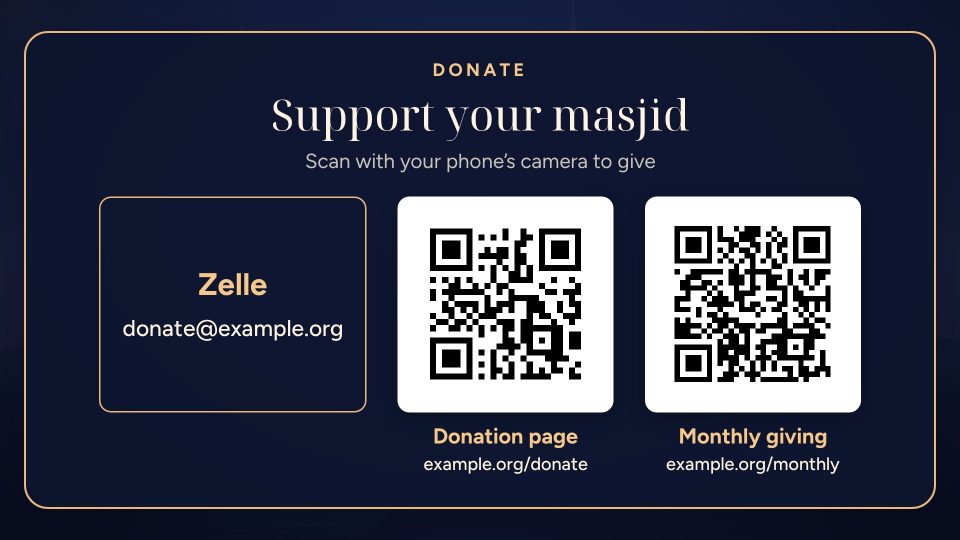
Zelle, Cash App, Venmo, PayPal or your donation page. The card shows between prayers, never during one.
Your name in English and Arabic, and your logo with any white background removed for you. Hadith and reminders you can edit.
Keeps the screen awake, reopens after a power cut, keeps going through internet drops, and updates itself.
Countdowns
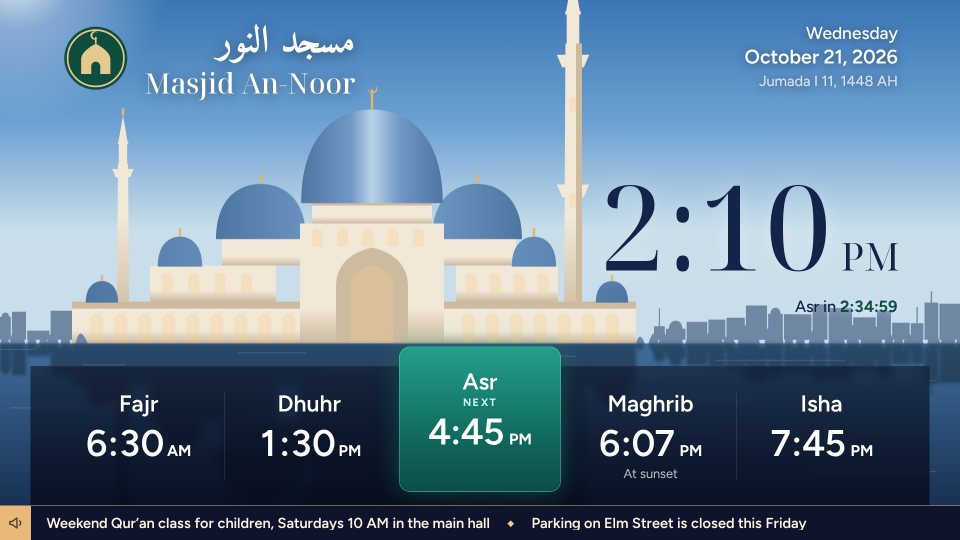
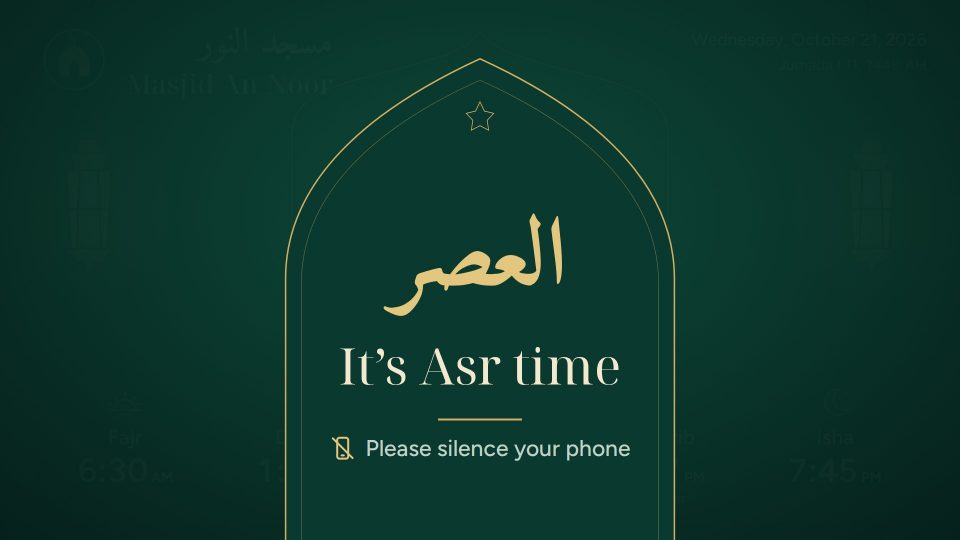
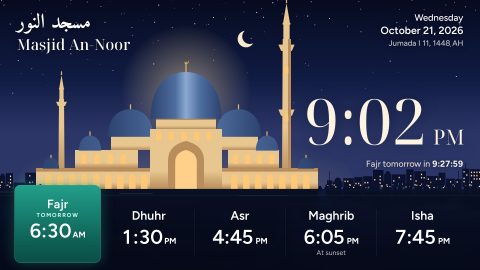
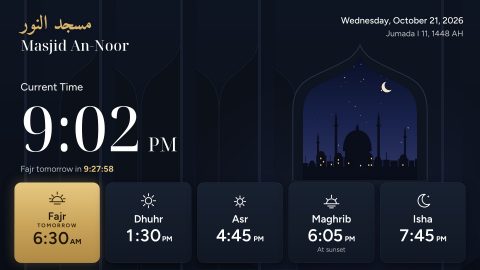
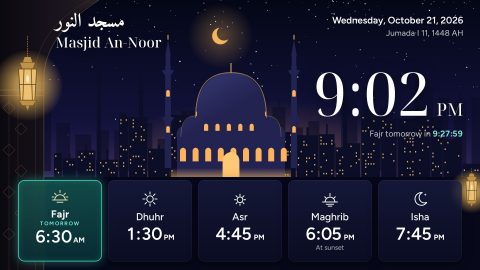
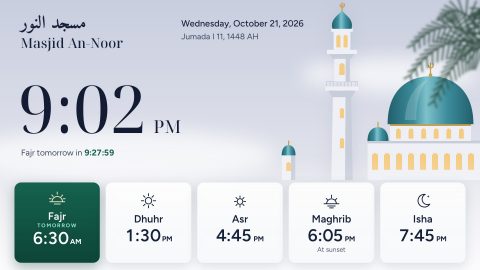
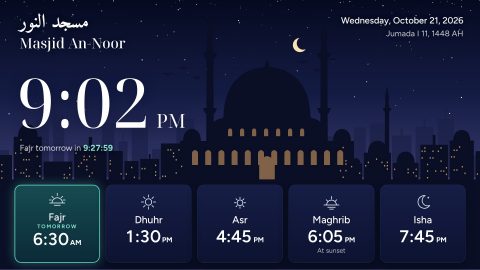
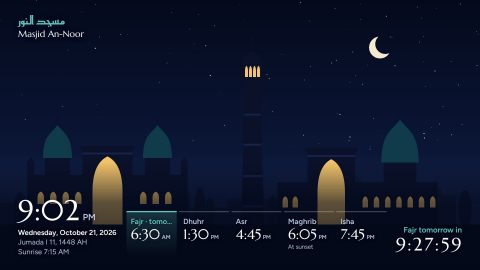
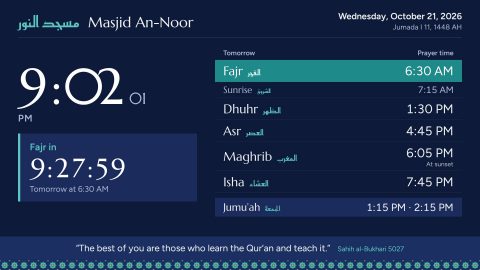
Each screen counts down to the next iqamah, then shows “It’s Asr time · please silence your phone” for as long as you choose. After Isha it counts down to tomorrow’s Fajr. Skies follow the real sun through the day.
Donations
Add up to four ways to give. Links become QR codes automatically; for Zelle, upload the QR code from your bank’s app. The card takes turns with announcements and stays away from the minutes before an iqamah.
Announcements
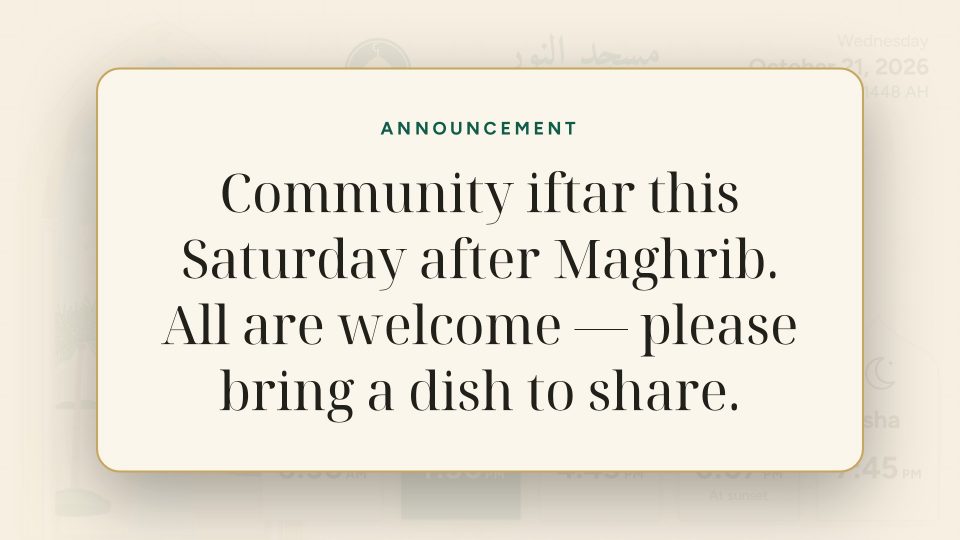
Post Eid prayer times, a halaqa or a parking notice from your phone. It appears on every screen within a second, and can disappear by itself when it is over.
Phones and tablets
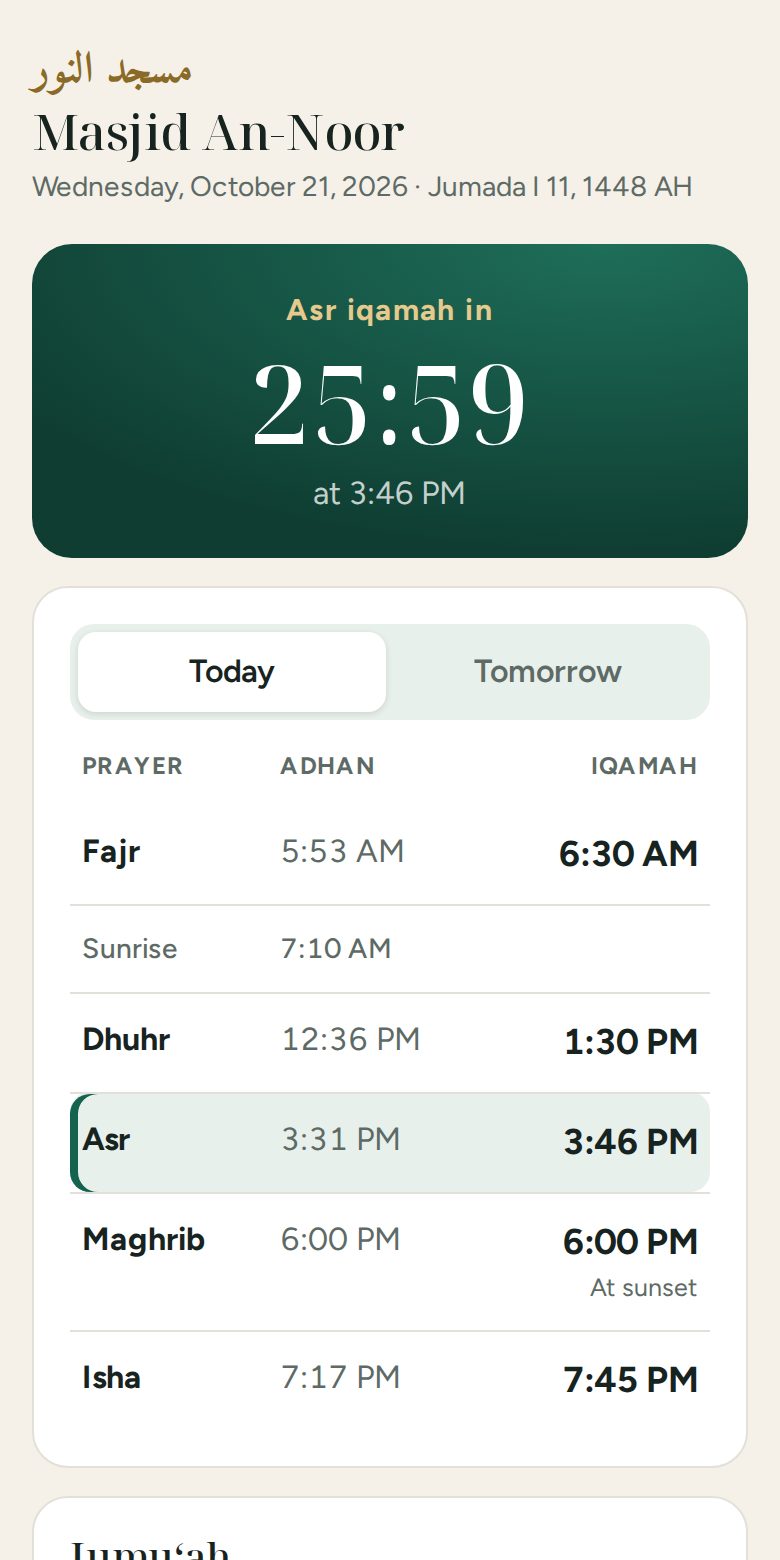
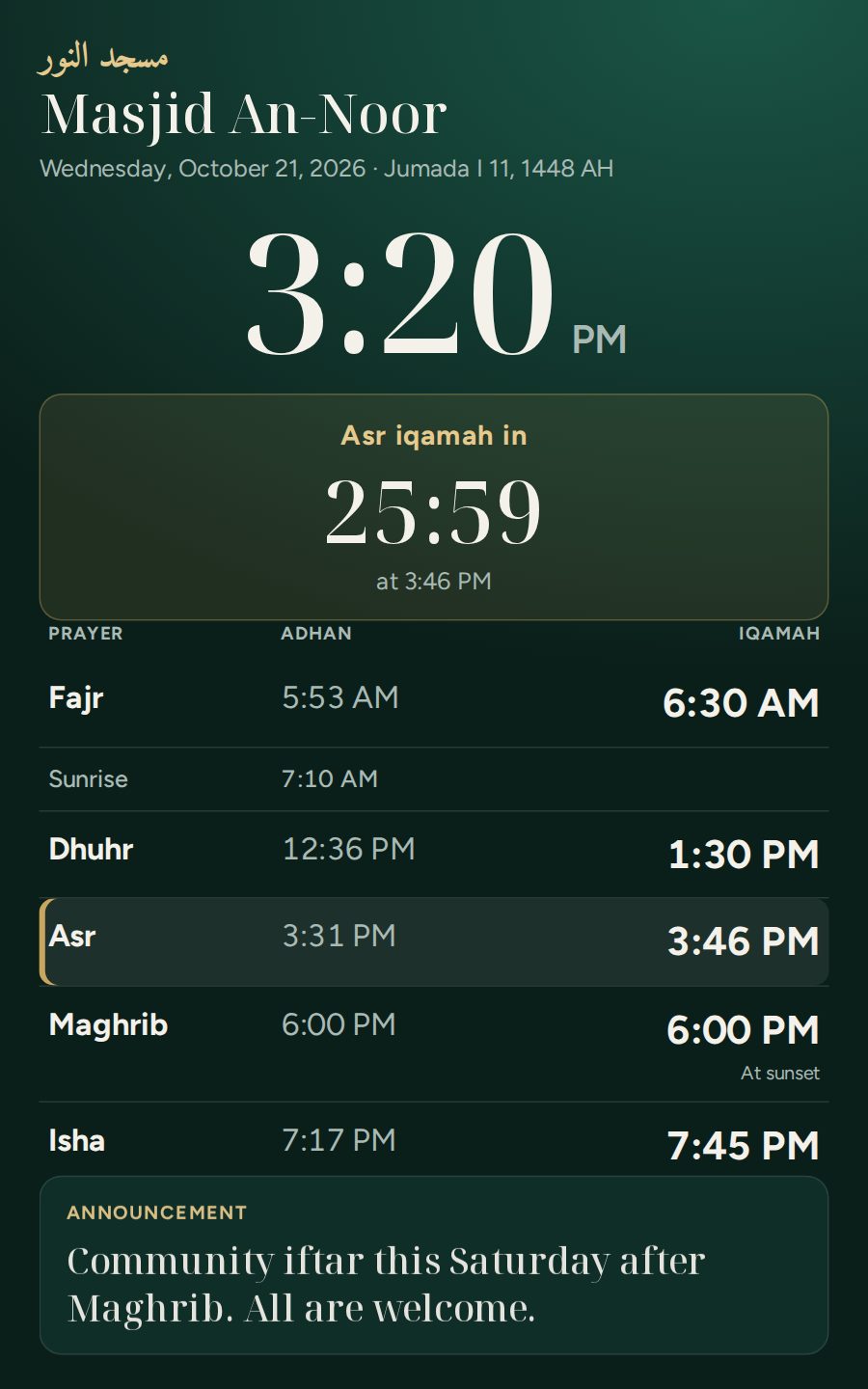
Every masjid gets a community page: today’s and tomorrow’s adhan and iqamah times, a countdown, Jumu‘ah, announcements and tap-to-give links. Share it on WhatsApp or print its QR code. Put a tablet on the wall and it becomes a full-screen display, upright or sideways.
Themes
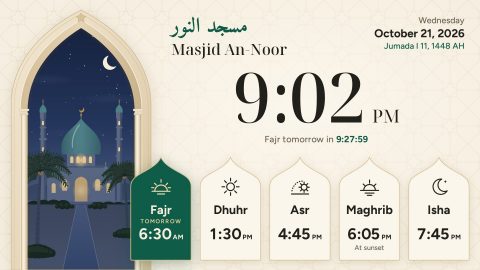
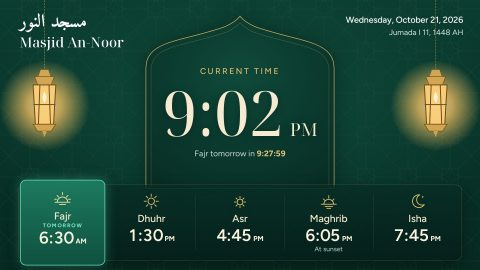
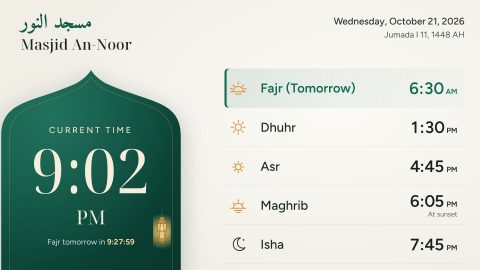
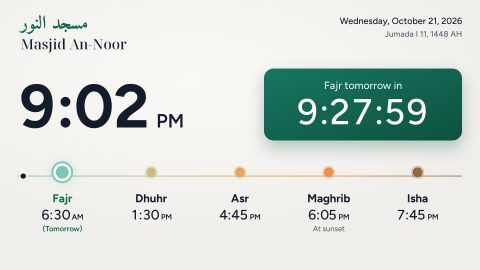
Each one works at 720p, 1080p and 4K. Let each screen pick its own with the remote, or set one for all.
How it runs
Pick when you open the app. You can switch later with the Menu button.
For masjids with several screens or internet at the masjid
For a single screen, or a masjid without internet

tv.titanforge.app/apk
Downloader (by AFTVnews) is free in the Amazon Appstore and Google Play.
For sideloading with a USB stick, “Send Files to TV” or adb.
Another kind of TV? Set up your masjid online and open its screen address in the TV’s web browser, or in Chrome on a PC or Raspberry Pi.
Questions
Yes, for everyone: the app, the website and every feature, with no ads. All you need is a TV and, for the app, an Android TV device such as a Fire TV Stick.
No. In This TV only mode the app works with no internet at all; prayer times are calculated on the TV. Online screens also keep showing the last saved times when the internet drops.
The app runs on Fire TV (any Fire TV Stick, Cube or Fire TV Edition television), Chromecast with Google TV, Android TV boxes and Android smart TVs. Any other TV works with its web browser, though the app is best for screens that run all day.
They are calculated for your masjid’s exact location with the method you follow (ISNA, Muslim World League, Umm al-Qura, Egyptian, Karachi and more) and your Asr school, with a rule for high latitudes. You set each iqamah yourself.
Yes. Upload an MP3 per prayer, or use a built-in tone. The app plays it without anyone pressing a button.
Online screens update themselves with every improvement. TV-only screens download new versions of the screen whenever they are online, and the app tells you when a newer version of itself is ready to install.
Yes. Every masjid gets a community page with the day’s times, a countdown to the next iqamah, Jumu‘ah, announcements and ways to give, updated the moment you save. Share the link or print its QR code; the admin makes both.
Yes. Hold an Android tablet upright with the Masjid TV app and it shows a display made for portrait screens; on an iPad or any other tablet, open the tablet display link from the admin in the browser.
Only what tells us whether it is working and worth improving. Each screen checks in every 15 to 30 minutes with a random screen id, which masjid it shows (for a TV-only screen, the name set on it), the app version, the device model and how long it has been running; the country comes from the network. We count downloads and community page visits, and how the screens, the admin and the app are used (pages opened, buttons pressed, saves, uploads, whether the adhan played, errors), on our own analytics server with a random id and never what you type, your email or your PIN. No IP addresses, no ads, no third-party trackers, and nothing is sold or shared.
No. The app keeps the screen awake, and reopens by itself after a power cut on most devices.
Free, and ten minutes from download to a working screen.